

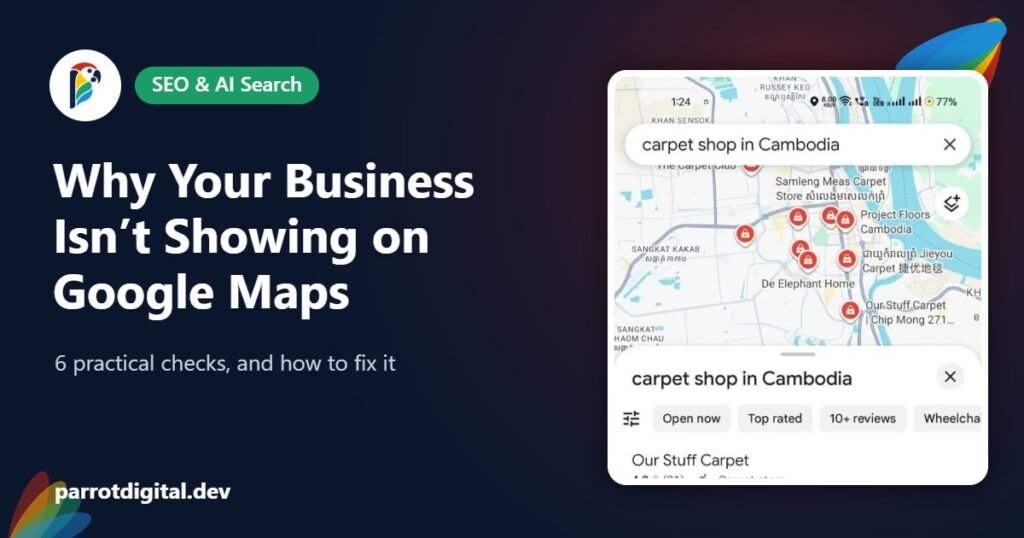
Is your business not showing on Google Maps? First check whether the listing is missing entirely or simply absent for a particular search. A shop that appears under its exact name can still be hard to find when someone searches for the products it sells.
The solution starts with a correct, eligible business profile. After that, focus on useful information and the customer journey rather than a promise of first place.
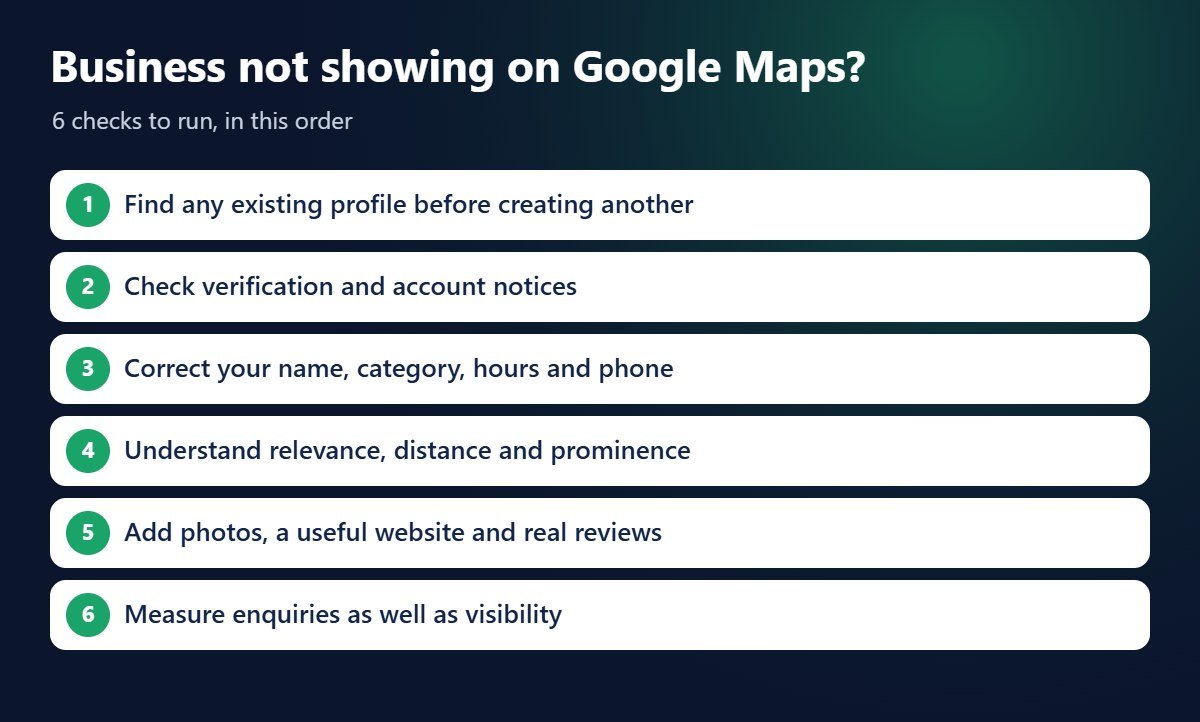
1. Find the existing profile before creating another
Search for your business name, telephone number and street address. You may find a profile created by a previous owner, an old agency or a customer. Check whether it represents the same business before making a new listing.
Duplicate profiles can confuse customers with different opening hours and contact details. If someone else manages the correct profile, follow Google’s ownership-request process. Your business should retain ownership, while a provider receives the access needed to do the work.
2. Check verification and account notices
A business not showing on Google Maps often has an unfinished profile. Open the management screen and look for verification requests, rejected edits or suspension notices. See our guide to Google Business Profile verification for the steps. Adding information does not necessarily mean the verification process is finished.
If the profile is suspended, address the reason and use the official appeal process. Creating replacement profiles before resolving the issue can make the situation harder to manage.
3. Correct the information customers depend on
Use the real business name, a suitable primary category and current hours. Check the phone number from another device. Open the website link and confirm it reaches the right page. Represent the location and service model honestly; a business that visits customers needs different information from a shop customers can enter.
A practical test is to ask someone unfamiliar with the business to use the profile. Can they understand what you offer, contact you and find the correct entrance?
4. Understand local ranking
Google says local results depend mainly on relevance, distance and prominence. A useful profile can support relevance, but it cannot move your shop closer to every searcher. Results can vary between neighborhoods and searches. Businesses cannot buy a better organic local ranking. Read Google’s explanation of local ranking.
This is why a business not showing on Google Maps for one phrase needs a careful check rather than an immediate conclusion that the profile is broken.
5. Support the listing with credible information
If your business is not showing on Google Maps for wider searches, the listing may simply need more support. Add current photos of the premises and work, clear service descriptions and a useful website. Ask real customers for honest reviews without rewards or pressure. Respond to feedback professionally, including criticism.
Keep important details consistent wherever customers find you. A website that names one location while directories show another can make it harder for people to know which details are current.
6. Measure enquiries alongside visibility
Record the search phrase, approximate search location and date when checking visibility. Track available profile performance data and actual enquiries over comparable periods. One screenshot is a moment in time, while a call or quotation request is a business action.
Keep a simple log of changes too. If you update the category, hours and website in the same week, you need that context when interpreting later results.
Frequently asked questions
Can an agency guarantee the top Maps position?
No. Ask for specific tasks, access arrangements and useful reporting instead of a guarantee.
Should I create a profile for every area I serve?
Only create profiles that meet Google’s eligibility rules. Do not invent offices or locations to target more areas.
Business not showing on Google Maps? Get help finding out why
Parrot Digital provides local SEO and Google Business Profile support. Send your business name and existing profile link so we can discuss what needs checking.