

Offline POS vs paper khata is a practical choice for a small shop. A notebook is familiar and quick to start. A point-of-sale app can organize billing, stock and customer credit, but it needs a reliable daily routine.
The best choice depends on your sales volume, the records you need and who will use the system. Start with the problems you want to solve rather than buying software for its own sake.
Where paper khata works well
In the offline POS vs paper khata choice, paper has real strengths. A notebook does not need a charged phone, software setup or training in an app. For a shop with few products and simple transactions, it can be an understandable record. Staff can write an unusual transaction without first creating a product entry.
The difficulties grow when you need to total many sales, find an old credit balance or reconcile stock. Handwriting can be unclear, pages can go missing and searching several books takes time.
What an offline POS changes
An offline POS (see offline POS vs online POS, or our digital khata guide) records supported transactions on the device without requiring an internet connection for routine use. Depending on the product, it may help with bills, receipts, inventory and baki khata. Check the specific app’s features rather than assuming every POS includes the same tools.
Digital records can make repeated calculations and searches easier. They still depend on accurate entry. If purchases, returns or credit payments are not recorded, the screen can show a misleading balance just as a notebook can.
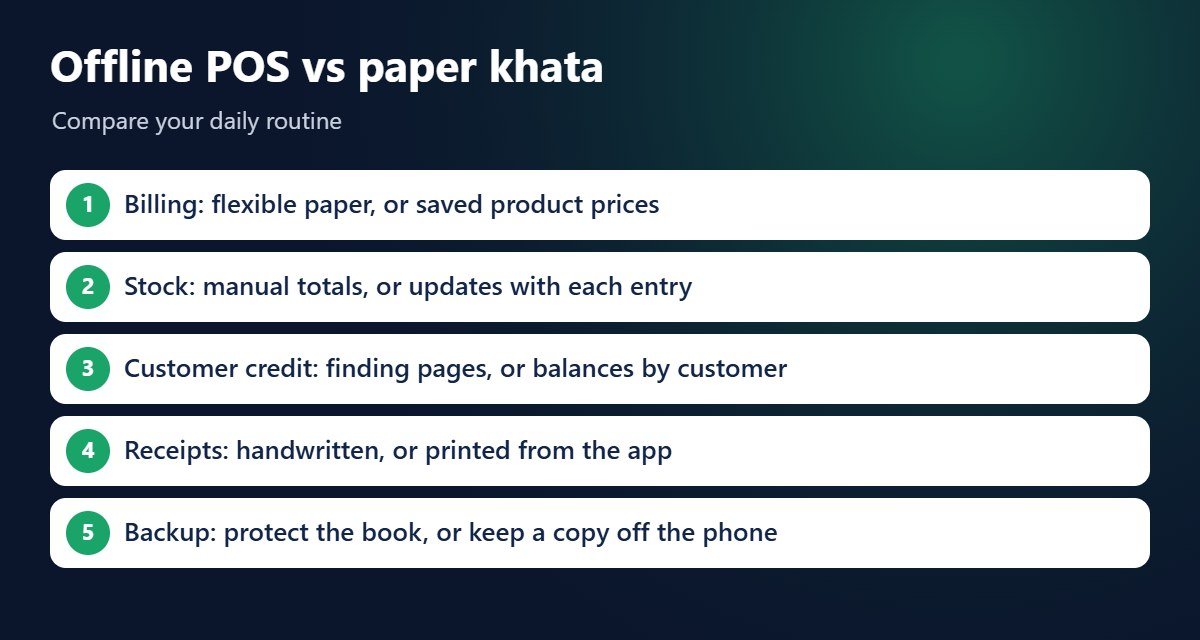
Offline POS vs paper khata: compare the daily workflow
- Billing: paper is flexible; an app can reuse product names and prices.
- Stock: manual records need regular totals; a POS can update supported stock movements when entered correctly.
- Customer credit: a notebook requires finding the right page; a digital ledger can organize balances by customer.
- Receipts: check whether the app and your printer or sharing method work together.
- Learning: paper is familiar; software needs setup and practice.
- Recovery: protect both formats from loss and keep a usable backup process.
Offline does not mean automatically backed up
If records live on a phone, losing or damaging that phone can put the records at risk. Before relying on any app, find out how backups work, where they are stored and how to restore them. Test the restore process with sample data.
Ask what happens when you replace the device, reinstall the app or lose access to it. A backup that nobody knows how to recover is not a complete plan.
How Mini POS fits
Mini POS by Parrot Digital is an Android app for small shops with offline billing, receipts, stock and baki khata, in English and Bangla. It has a 30-day free trial with every feature, then a one-time payment with no subscription. Get it on Google Play.
Shops that need Windows counter software can also review MiniPos PC, which connects to the phone over the shop’s own Wi-Fi. Review the requirements and try the workflow before making it part of daily trading.
Offline POS vs paper khata: run a small test before switching
- Add a few products with known stock and prices.
- Enter sample cash sales, credit sales and repayments.
- Check totals against a manual calculation.
- Test the receipt method you expect to use.
- Create and restore a sample backup.
- Train every person who will enter transactions.
Choose a clear cutover date and reconcile opening balances. Avoid leaving two competing sets of records indefinitely, because differences become difficult to investigate.
Frequently asked questions
Should every shop replace paper immediately?
No. If the current process works, identify a specific benefit before changing it. A controlled trial can show whether the time saved justifies the learning.
Can a POS fix inaccurate stock automatically?
No. Receipts, purchases, returns and adjustments still need to be entered correctly and checked against physical stock.
Try the workflow for your shop
When comparing offline POS vs paper khata, use real examples from your counter. Contact Parrot Digital if you need help understanding whether Mini POS fits your setup.